

#Description
It’s been a while since I’ve seen a Volatility challenge.
#Initial Analysis
First, let’s identify the provided file.
file challenge.vmem
challenge.vmem: Windows Event Trace Log
Although file reports it as a Windows Event Trace Log, Volatility is still able to parse it correctly.
Running windows.info confirms that this is a Windows 10 x64 memory image.
vol -f challenge.vmem windows.info
Output (trimmed):
Kernel Base        0xf8000d800000
DTB                0x1ad000
Major/Minor        15.19041
MachineType        34404
SystemTime         2026-05-14 18:11:59+00:00
NtSystemRoot       C:\Windows
...
#Process Enumeration
The next step is to enumerate the running processes.
vol -f challenge.vmem windows.pslist
Among the running processes, one immediately stands out:
1980 804 mstsc.exe 0xa1897ee82080 ...
mstsc.exe is the Microsoft Remote Desktop client, indicating that the user established an RDP session.
A useful property of the RDP client is that the remote desktop framebuffer is often present in the process’ virtual memory. Recovering this framebuffer can reveal the contents of the remote desktop without requiring any additional artifacts, making mstsc.exe the most promising target.
#Dumping the RDP Process
To inspect the process memory, dump its memory mappings using windows.memmap.
vol -f challenge.vmem windows.memmap --pid 1980 --dump -o dump/
This produces raw dumps for the mapped memory regions of the process. These dumps do not necessarily contain standard image formats, but graphical framebuffers are often stored as raw pixel data.
#Recovering the Screen
The dumped memory does not contain a standard image format. Instead, it stores raw pixel data, so we need to import it manually as a raw image.
Open the dumped file in GIMP as a raw image (File → Open As Layers or Open → Select File Type → Raw image data, depending on the version).
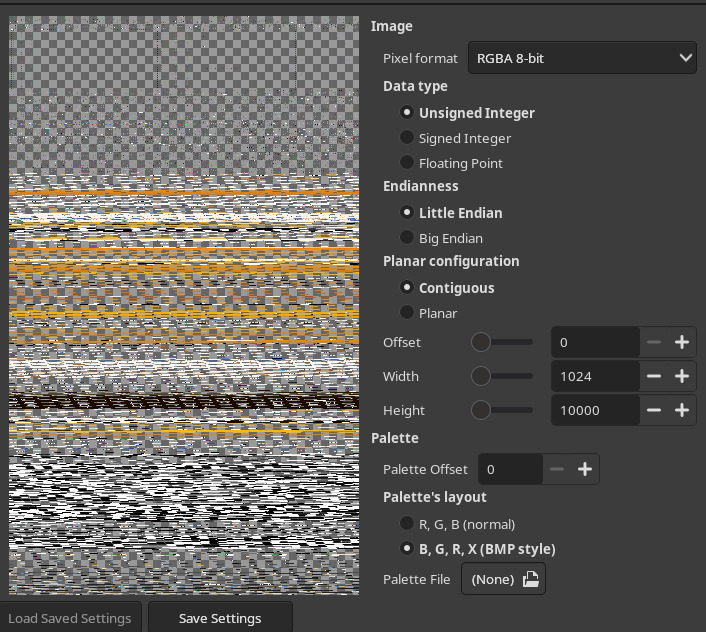
Since the dump contains raw pixel data, GIMP will ask for the image dimensions.
The only challenge here is finding the correct width and height. There are only a handful of common screen resolutions, so trying a few combinations quickly reveals the correct image.
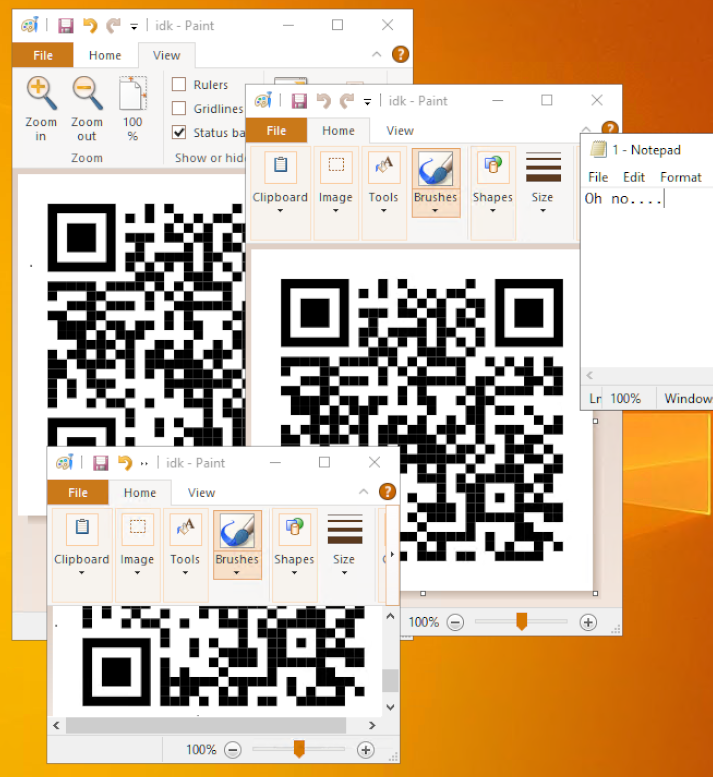
Once the correct dimensions are selected, the RDP desktop becomes visible.
#Recovering the QR Code
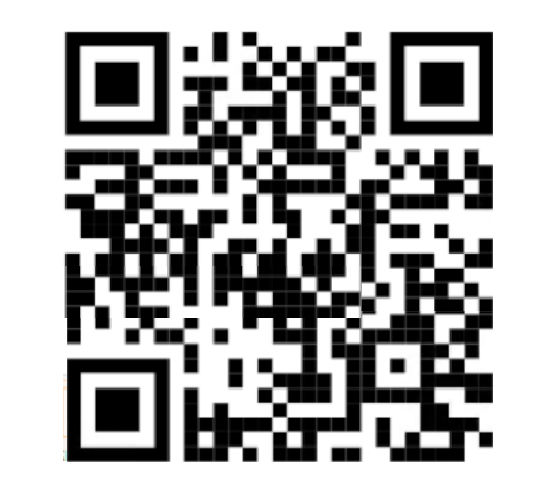
The recovered desktop contains a partially visible QR code.
Fortunately, only a small portion of the QR code is missing. Reconstructing the missing modules manually is enough for a QR decoder to recover the original contents thanks to the built-in error correction.
The decoded QR code contains the flag.
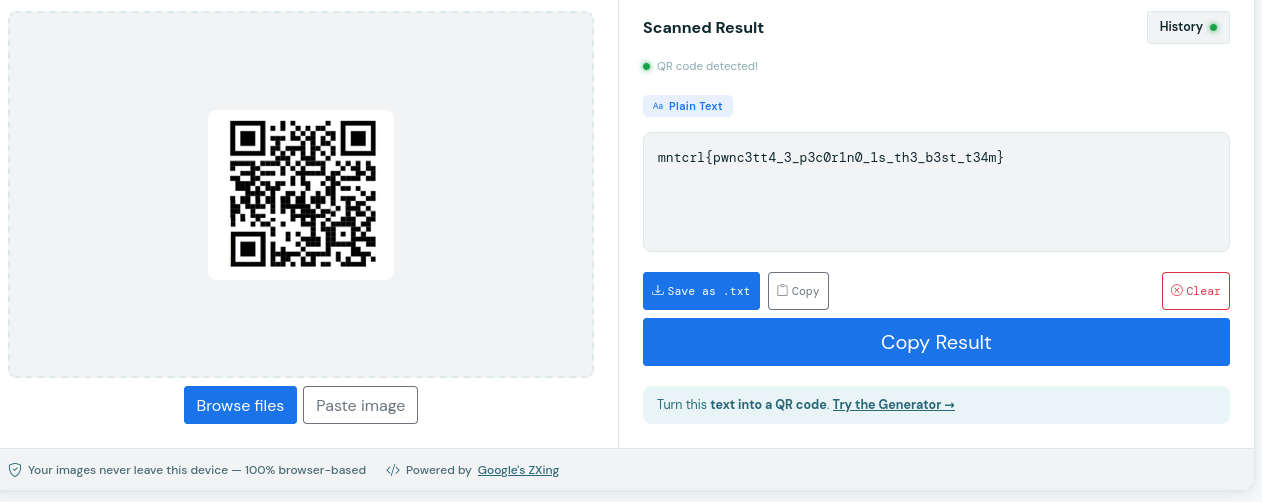
mntcrl{pwnc3tt4_3_p3c0r1n0_1s_th3_b3st_t34m}
~ Carbo